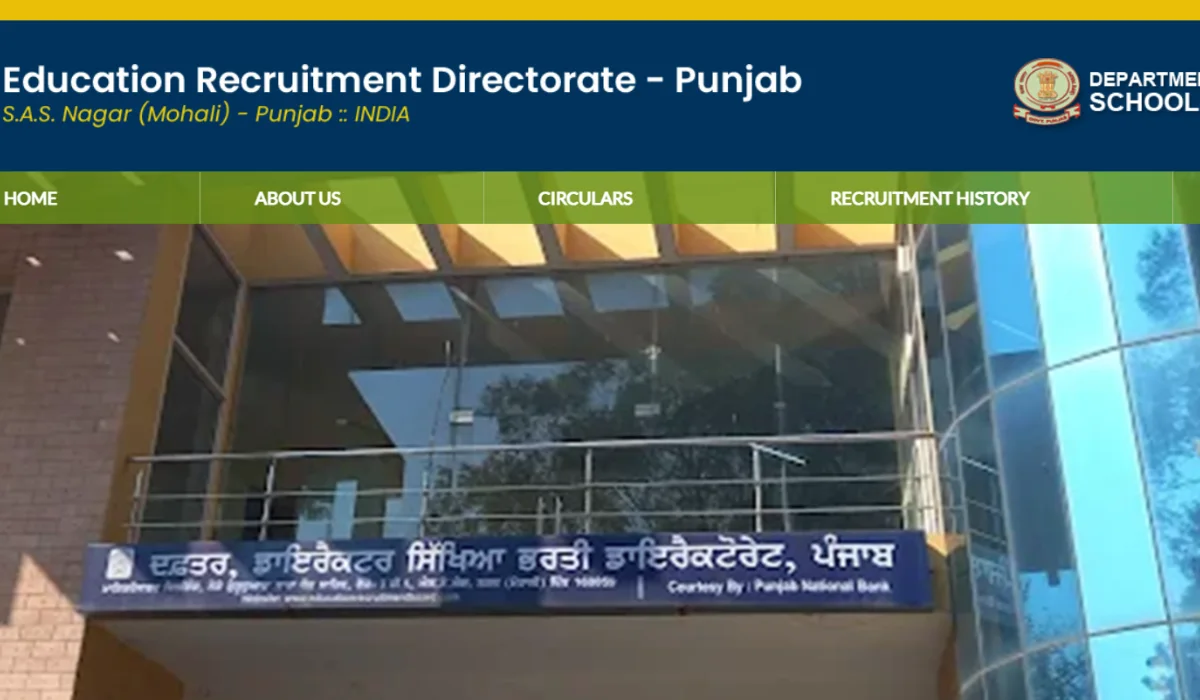
Punjab Lecturer Recruitment Examination is going to begin on 19 September 2026. Candidates who have not downloaded the admit card yet are advised to download their admit card at the earliest to avoid last-minute technical glitches. Candidates can download their hall ticket from the official website www.erd.punjab.gov.in or the direct link shared here.
Punjab Lecturer Admit Card 2026 Out
Punjab Lecturer Examination for 1013 Lecturer (regular and backlog) vacancies is scheduled for 19, 20, 26, and 27 September 2026. The admit card for the Punjab Lecturer written examination includes information such as the exam date, timing, venue, etc., on the candidate’s respective admit card.
| Punjab Lecturer Hall Ticket 2026- Overview | |
| Exam Conducting Authority |
Education Recruitment Directorate, Punjab
|
| Post | Lecturer Cadre |
| Total Vacancies | 1,013 |
| Fresh Vacancies | 829 |
| Backlog Vacancies | 184 |
| Punjab Lecturer Exam Date 2026 | 19, 20, 26, and 27 September 2026 |
| Admit Card Release Date | 14 September 2026 |
| Exam Mode | Offline |
| Selection Process |
Written Examination and Document Verification
|
| Official Website |
www.erd.punjab.gov.in
|
Punjab Lecturer Cadre Admit Card 2026 Link
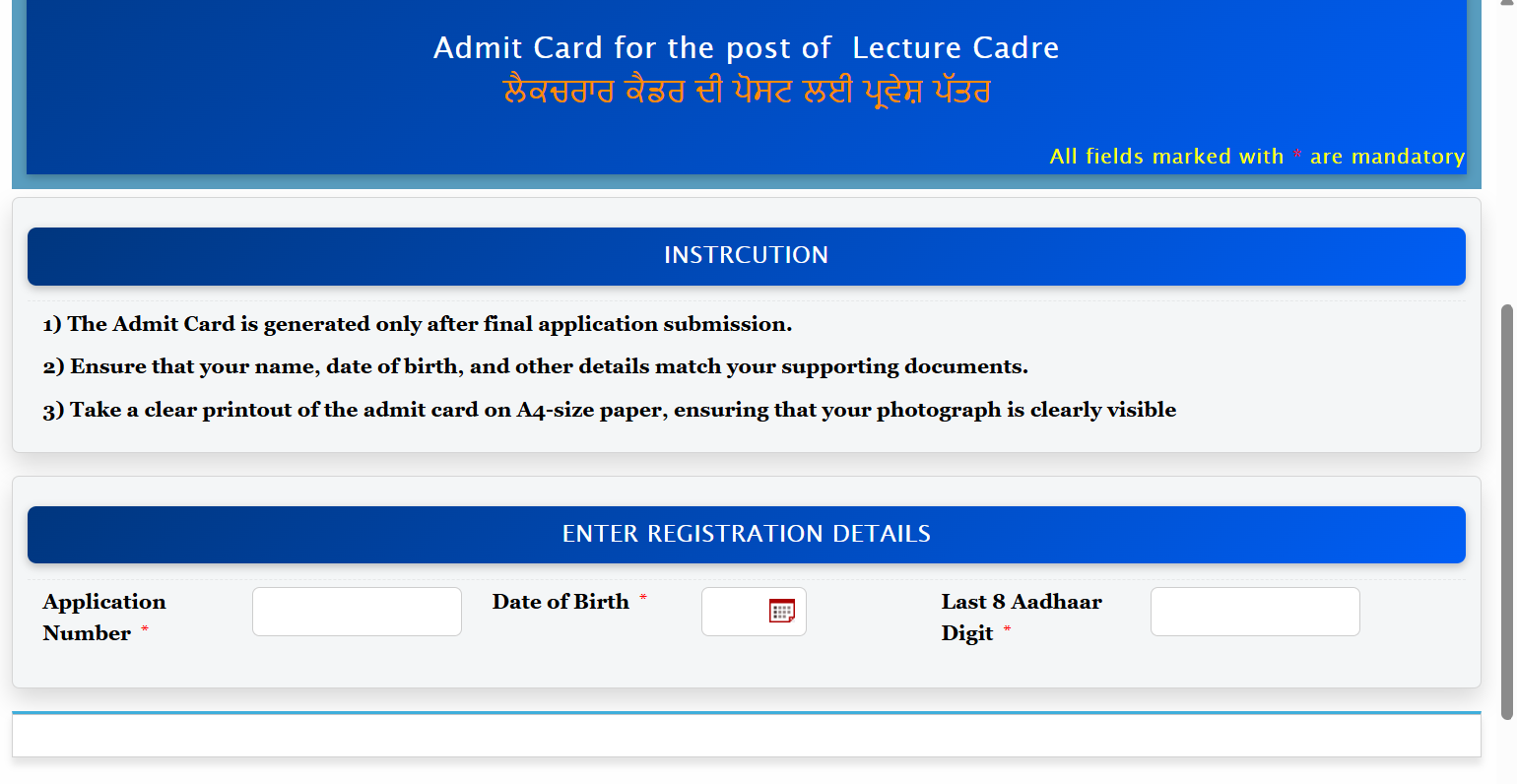
The Punjab Lecturer Admit Card download link has been activated on the official ERD Punjab website www.erd.punjab.gov.in. Candidates can download their hall ticket using the required login credentials i.e., Application Number and Date of Birth.
Candidates are advised to download the hall ticket well before their examination date. After downloading, check all personal details, examination date, shift, reporting time, and examination centre carefully. If candidates find any mistake, contact the exam authority as soon as possible to resolve it.
Login Details Required to Download the Hall Ticket
Keep the following details ready before opening the admit card download page:
- Application Number
- Date of Birth
- Last 8 Aadhar Digit Number
How to Download the Punjab Lecturer Call Letter 2026?
Candidates can download the Punjab Lecturer Admit Card 2026 from the official ERD Punjab website by following the steps given below:
- Visit the official Education Recruitment Directorate Punjab website.
- Go to the latest notifications or recruitment section.
- Find the link for Punjab Lecturer Admit Card 2026.
- Click on the link to download the admit card.
- Enter the required login credentials, such as registration number/application number and password or date of birth.
- Submit the details.
- The Punjab Lecturer Hall Ticket appears on the screen.
- Download and print multiple copies of the hall ticket for future reference.
Punjab Lecturer Shift Timings & Schedule
The Punjab Lecturer (ਪੰਜਾਬ ਲੈਕਚਰਾਰ) exam will be conducted in total 6 shifts on 4 days. The complete schedule is shared below.
| Exam Dates | Shift | Exam Timings |
| 19 September 2026 (Saturday / ਸ਼ਨਿਚਰਵਾਰ) | Hindi (ਹਿੰਦੀ), Biology (ਬਾਇਓਲੋਜੀ) | 3 pm to 5:30 pm |
| 20 September 2026 (Sunday / ਐਤਵਾਰ) | Political Science (ਰਾਜਨੀਤੀ ਸ਼ਾਸਤਰ) | 9:30 am to 12 noon |
| History (ਹਿਸਟਰੀ) | 3 pm to 5:30 pm | |
| 25 September 2026 (Saturday / ਸ਼ਨਿਚਰਵਾਰ) | English (ਅੰਗਰੇਜੀ) | 3 pm to 5:30 pm |
| 26 September 2026 (Sunday / ਐਤਵਾਰ) | Punjabi (ਪੰਜਾਬੀ) | 9:30 am to 12 noon |
| Math (ਮੈਥ) | 3 pm to 5:30 pm |
Punjab Lecturer Admit Card 2026 Not Downloading? Check These Solutions.
If the hall ticket is not downloading, the candidates should:
- Check the application number properly.
- Verify the Date of Birth/login information.
- Cross-check the website’s status if it is running fine.
- Try downloading the admit card during off-peak hours.
- Clear the browser’s cache and cookies.
- Try accessing the link in a different browser/device.
- Check the official ERD Punjab website for technical notices.
- Contact recruitment authorities if the problem persists.
What if there is an error in the Punjab Lecturer Admit Card?
After downloading the admit card, candidates must check their name, a photograph, a roll number, a subject, an examination date, examination timing, and examination centre. If there is any important information that is wrong, it is important that candidates get in contact with the relevant recruitment authority and make sure that the mistake is rectified before the examination.
Documents Required at Punjab Lecturer Exam Centre
Candidates should carry the following documents to the examination centre:
- A clear printout of the Punjab Lecturer Hall Ticket
- Valid Photo ID Proof: Any one of the following
Aadhaar Card
Voter ID
Passport
Driving Licence
PAN Card - Passport-size Photograph
- Basic Stationery
What Not to Carry to the Exam Centre?
Candidates should avoid carrying prohibited electronic or unauthorised items inside the examination centre. Do not carry items unless specifically permitted in the examination instructions, including:
- Mobile phone
- Smartwatch
- Bluetooth devices
- Earphones
- Electronic gadgets
- Unauthorised study material
- Any other prohibited item mentioned in the admit card
Important Instructions To Appear in the Punjab Lecturer Exam
Those who are going to appear in the Punjab Lecturer examination must keep in mind the following:
- Download the Punjab Lecturer Admit Card in advance before the examination date.
- Verify the examination centre, reporting time, and shift carefully.
- Bring a printed copy of the admit card with clear information to the examination centre.
- Carry a valid photo ID as mentioned in the instructions of the exam.
- Do not rely only on SMS or email alerts; rather, check the official website regularly
- Maintain the admit card safely till the completion of the recruitment process.
- Contact the Education Recruitment Directorate, Punjab, through their official communication channels if there is any discrepancy found on the hall ticket.
What to Check on Your Punjab Lecturer Admit Card?
The Punjab Lecturer Admit Card includes the following details, and candidates must carefully check all details well before the exam date-
- Candidate’s Name
- Roll Number
- Registration Number
- Photograph
- Signature
- Exam Date
- Exam Time
- Exam Centre
- Subject
- Exam Instructions
Punjab Lecturer Exam Scheme 2026
There shall be 150 questions from the respective subject that candidates have chosen.
- Mode of Exam – Offline
- Number of Questions – 150
- Subject – Subject-specific
- Marks – 150
- Duration – 150 minutes
- Negative Marking – No
What Next After Punjab Lecturer Admit Card 2026?
After downloading the Punjab Lecturer Hall Ticket, the candidates must make sure of the following:
- Check the date and the subject of the examination.
- Find out the examination centre.
- Estimate the time taken to reach the centre.
- Go through the instructions for appearing for the examination on the day of the test.
- Go through the syllabus of each subject.
- Practice the previous years’ question papers of Punjab Lecturer.
- Take mock tests.
- Make sure to carry the documents as mentioned.
- Reach the examination centre before the scheduled reporting time.
- After the exam, cross-verify the answers using the Punjab Lecturer Answer Key 2026.
Download Admit Card → Check Exam Centre → Revise Syllabus → Practise Previous Papers → Take Mock Tests → Appear for Exam → Check Answer Key → Check Result





 NICL AO Admit Card 2026, Prelims Call Le...
 MP SI Admit Card 2026 Out, Download Sub ...
 UPSSSC PET Admit Card 2026 Out, Hall Tic...