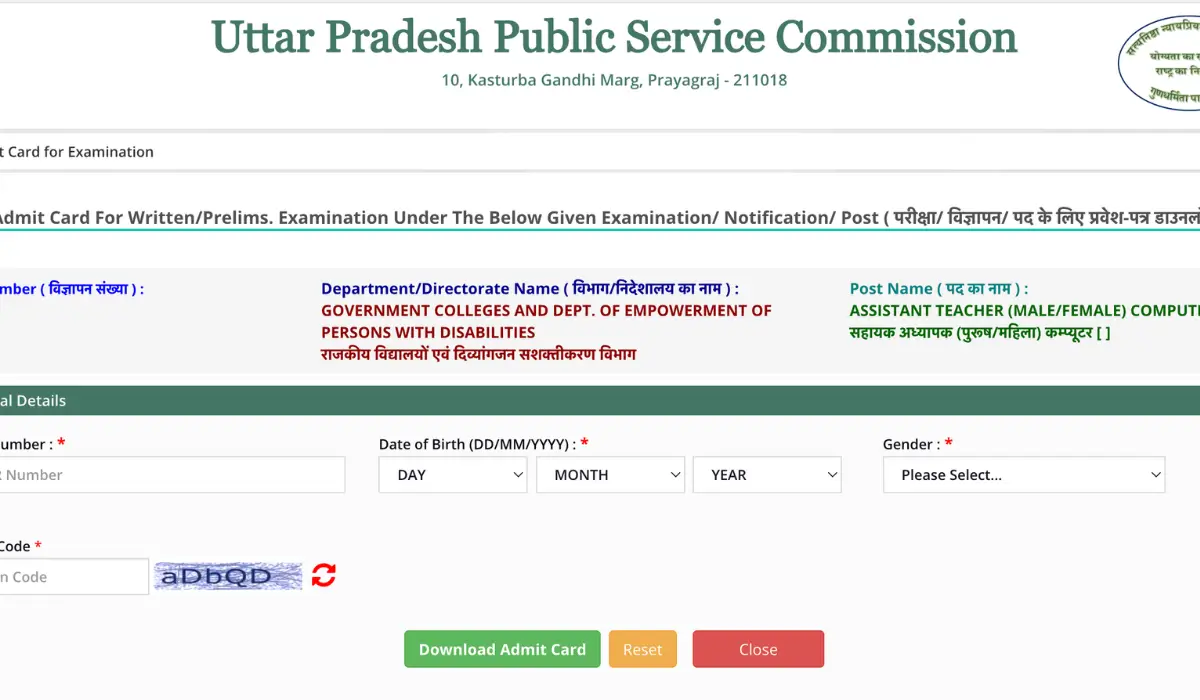
The Uttar Pradesh Public Service Commission (UPPSC) has released the admit cards for UPPSC Assistant Teacher Exam 2026 for the Computer subject at their official website www.uppsc.up.nic.in. Candidates who have applied successfully for the post of Assistant Teacher can now download their admit cards. Candidates must carry a printout of the admit card along with a valid ID proof to their exam centre, as no candidates will be allowed without it.
UPPSC Assistant Teacher Admit Card 2026 Out
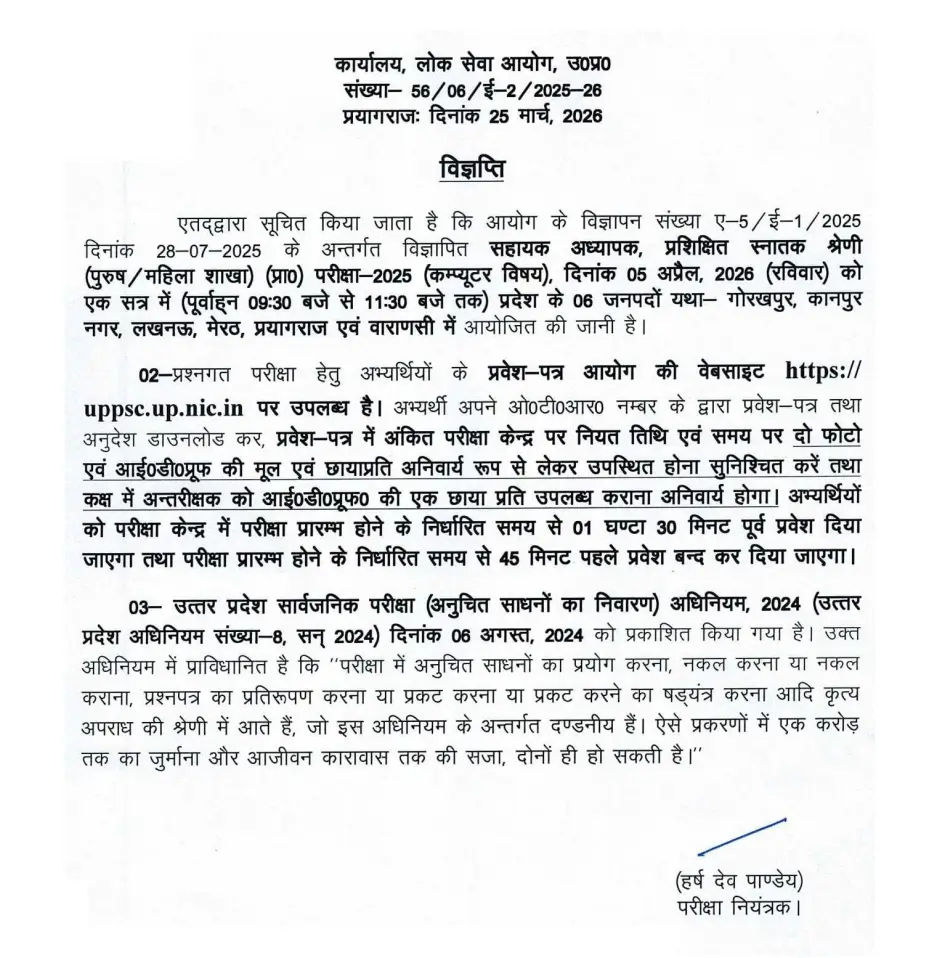
All the eligible candidates who will be appearing for the computer exam (E-2/2025-26) scheduled for 5th April 2026, can now download their UPPSC Assistant Teacher LT Admit Card 2026 using their OTR Number and Password to access their admit cards. Candidates can check all the exam-related details like exam time, reporting time, exam venue, and more from their respective admit cards.
UPPSC Assistant Teacher LT Grade Computer Exam Timings
The UPPSC Assistant Teacher Computer Exam 2026 will be conducted in a single shift, i.e., from 9:30 am to 11:30 am. The exam will be conducted in 06 districts of the state, namely Gorakhpur, Kanpur Nagar, Lucknow, Meerut, Prayagraj, and Varanasi.
| Exam Date | Shift Timings |
| 5th April 2026 (Sunday) | 9:30 am to 11:30 am |
UPPSC Assistant Teacher Hall Ticket 2026 Download Link
The link to download the UPSSC Assistant Teacher Hall Ticket 2026 has been activated by the Uttar Pradesh Public Service Commission on 26th March 2026 at their official website www.uppsc.up.nic.in. While downloading the admit card, candidates must check all the details printed on it carefully, and in case of any erro they must contact the officials. For the ease of candidates, we have also provided a direct link below to download the admit card.
How to Download UPPSC Assistant Teacher LT Grade Admit Card 2026?
Candidates who want to download the UP Assistant Teacher Admit Card from the UPPSC official website can follow the steps provided below.
- Visit the official website at www.uppsc.up.nic.in or click the direct download link provided above
- Navigate to the “Admit Card” or “Latest Announcements” section on the homepage
- Click on the “UPPSC Assistant Teacher Admit Card 2026” link
- Enter your credentials: OTR Number, Date of Birth, and Captcha Code
- Click on the “Submit” or “Download Admit Card” button
- Your UPPSC Assistant Teacher LT Admit Card 2026 will appear on the screen
- Download and save the PDF file on your device
- Take 2-3 printouts for exam day (keep backup copies)
Details Mentioned on UPPSC Assistant Teacher LT Admit Card 2026
Candidates must check all the details printed on their admit cards carefully. The following details will be printed on the admit cards.
- Candidate Name
- Father’s Name
- Date of Birth
- Category (General/OBC/SC/ST/EWS)
- Gender
- Application/Roll Number
- Candidate’s Photograph and Signature
- Exam Name: Assistant Teacher Written Test
- Exam Date & Shift/Timing
- Reporting Time
- Exam Center Name and Complete Address
- Exam Center Code
- Documents to carry on exam day
- Items allowed and not allowed in the examination hall
- Exam day instructions and rules


 KEA VAO Hall Ticket Download 2026 Link A...
 KEA Land Surveyor Hall Ticket 2026 (OUT)...
 Bihar STET Dummy Admit Card 2026 Out , H...