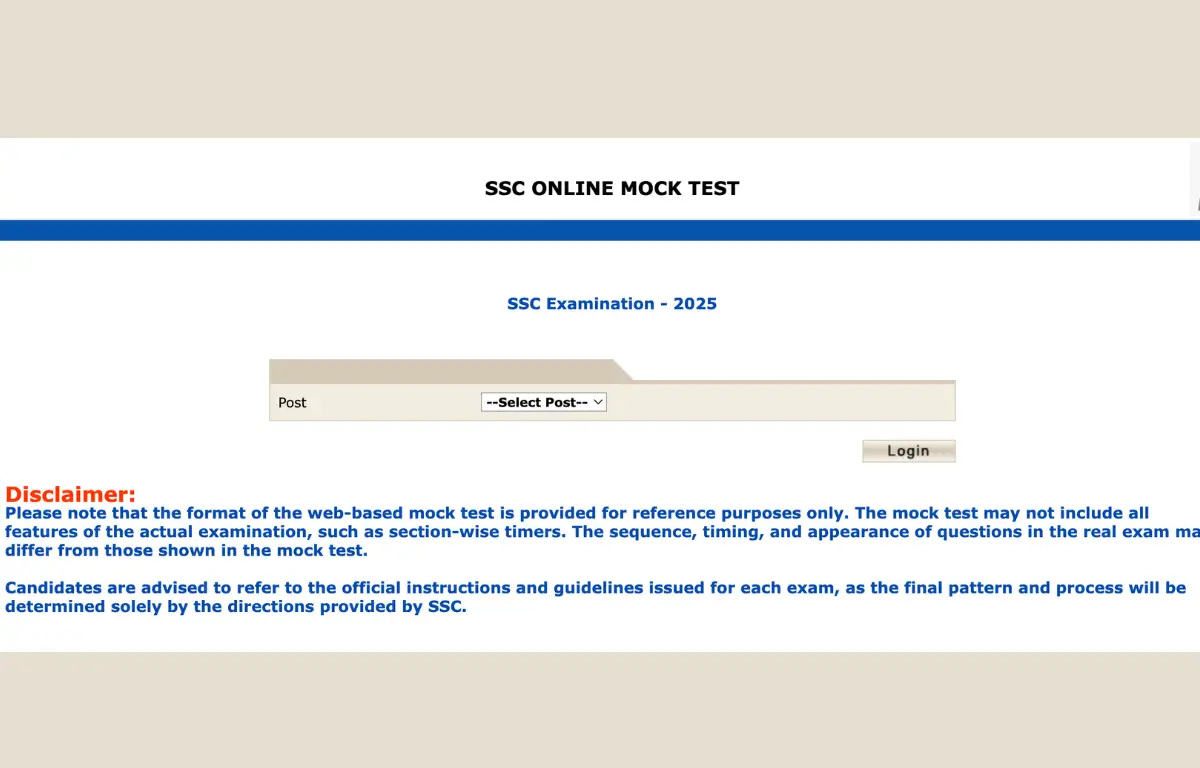
Staff Selection Commission (SSC) has released the SSC Mock Test on its official website ssc.gov.in, introducing a SSC Mock Test New Interface for online mock tests to help candidates have a real-time experience of the actual online examination and get familiar with the exam environment. Candidates can access the mock test through the SSC website, allowing practice at their convenience.
SSC New Interface Mock Test Launched by SSC
This mock portal is a timely tool for understanding the system’s look and feel, saving you from interface‑related surprises on exam day. Candidates are advised to try the SSC new mock test interface now for the upcoming SSC CGL, CHSL, Stenographer, CPO, JE and other SSC exams to become comfortable with the new layout and CBT features. The format of the SSC mock test may differ from the actual exam, and the questions provided are samples that do not represent the actual content of the exam.
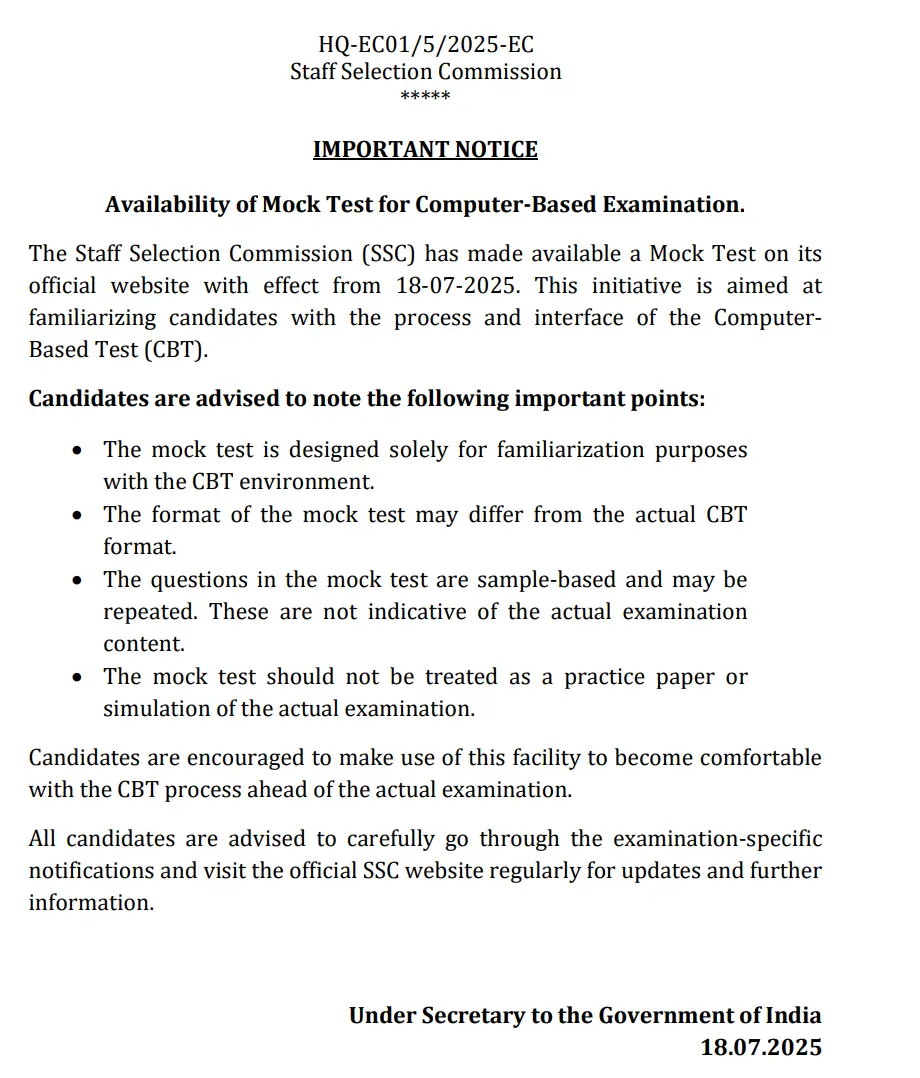
SSC New Interface Mock Test Official Notice
The Staff Selection Commission (SSC) has launched a new mock test on its official website, ssc.gov.in. SSC Mock Test New Interface for Online Test closely resembles the actual SSC online examination platform. It includes features like questions, navigation buttons (Next, Previous, Review), a timer, a language switch (Hindi/English), and section-wise access, allowing aspirants to practice under real exam-like conditions.
Major Changes in SSC Mock Test Interface
Staff Selection Commission (SSC) has introduced a SSC New Interface Mock Test Pattern for SSC’s various online exams. This initiative is aimed at helping candidates become familiar with the updated exam environment and interface before appearing for the actual computer-based exams.
- Modern User Interface (UI) – The mock tests now provide a real-time experience, similar to the actual SSC Computer-Based Test (CBT). The interface features updated visuals, layout, and navigation tools.
- Question Panel Location – The Question Panel is now on the left side of the screen.
- Zoom and Font Adjustment– Zoom In and Zoom Out, and font resizing options are available for better visibility.
- Button Placement – The “Mark for Review” and “Save and Next” buttons are now positioned at the top of the screen, whereas they were previously at the bottom.
- Language Change Option – The language change option for each question, located just above the question, which was earlier at the top of the screen.
- Question Status Display – The total number of questions answered is now displayed at the top of the screen.
How to Attempt SSC New Interface Mock Test?
Candidates must attempt this official SSC Mock Test on a computer and set a timer to stimulate exam like environment.
- Visit the SSC’s official website at www.ssc.gov.in.
- Click on the “For Candidates” option appearing on the top page, select Mock Test.
- You are redirected to a new page, choose SSC‑Mock Test from the dropdown and click on “Login”.
- Again, click on login and enter ABC1 as the password and continue.
- Choose your preferred language: English/Hindi, and give confirmation on that.
- Read all the instructions related to the exam carefully, and once completed, click on “I Agree”.
- Learn the symbols and signs for different options and start the test with the new interface.
- The mock test is for 15 minutes, and the timer begins as soon as you start the test.
Candidates must note that this is only a mock test designed for practice purposes to help candidates get familiarised with the process and interface of the Computer-Based Test (CBT) format.
Note: Candidates can also practice with the SSC Mock Test New Interface test series, which is especially launched by Adda247 to help the candidates become familiar with the new interface.
List of SSC Mock Tests by Adda247 (with New Interface)
- SSC CGL Mock Test
- SSC MTS Mock Test
- SSC CHSL Mock Test
- SSC Stenographer Mock Test
- SSC JHT Mock Test
- SSC Selection Post Mock Test
- SSC CPO Mock Test
- SSC GD Constable Mock Test
Comparison of SSC Exams Old & New Interface
The slight changes as observed in the SSC Old & New Interface are just the placement of a few functionalities. Candidates who are giving the SSC exams again must carefully check the changes to get familiar and not get confused while attempting the exam.
| Old Interface | New Interface |
| The earlier language selection option was above the time at the top of the screen | Now, the language selection option is displayed above each question. |
| Previously, “Mark for Review” & “Save & Next” were located at the bottom of the screen | Now “Mark for Review” & “Save & Next” are moved to the top of the screen. |
| In the old interface, the total count of answered questions was not noticeable. | The total count of answered questions now appears at the top of the screen |
| Earlier Question Panel was on the right side of the screen | Now Question Panel is on the left side of the screen |
| Previously, candidates were not able to zoom in and out | Zoom In / Zoom Out facility is provided for text enlargement |
SSC Mock Test Official Link
To make it easy for you, we have provided the direct link for the official SSC Examinations Mock Test, New Interface, which has been launched by SSC. Click on the link below and start practising with the mock test. The password to log in for the SSC Official Mock Test is ABC1.


 UPSSSC PET Admit Card 2026 Out at upsssc...
 PSSSB Clerk OMR Sheet 2026 Out, Download...
 Railway RRB Technician Grade 3 Answer Ke...