
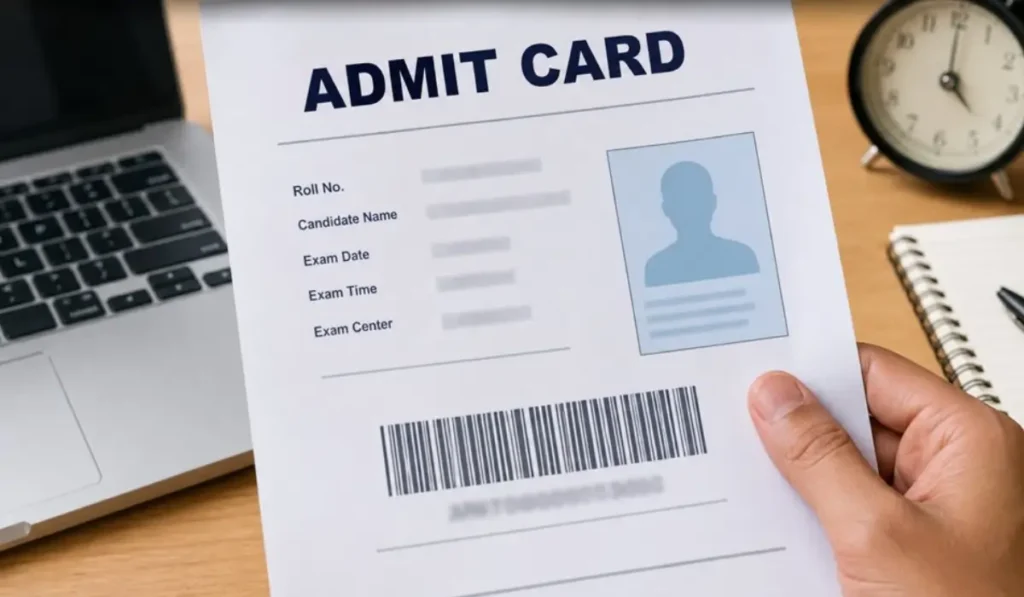
Postgraduate Institute of Medical Education & Research (PGIMER), Chandigarh, has scheduled the Computer-Based Test (CBT) to be conducted on 21 October 2026 (Wednesday) for 243 Nursing Officer vacancies. The PGIMER Nursing Officer Admit Card 2026 under Advt. No. PGI/RC/055/2026/2276 will be released on 14 October 2026.
The admit card for all eligible candidates who have applied successfully for the post code NUR/001 will be made available at www.pgimer.edu.in. The admit card will include all the exam-related details such as exam time, reporting time, exam venue address, and more.
When is PGIMER Admit Card Release Date 2026?
The PGIMER Admit Card 2026 download link will be activated on 14 October 2026 by the Postgraduate Institute of Medical Education & Research on their official website www.pgimer.edu.in. Candidates who will be appearing for the exam will be required to provide their User ID and Password to access their admit cards.
How to Download PGIMER Nursing Officer Hall Ticket 2026?
Candidates can follow the steps below to download their PGIMER Nursing Officer Hall Ticket 2026:
- Visit the PGIMER official website, www.pgimer.edu.in.
- Go to Students>> Info for Candidates.
- Look for the Nursing Officer recruitment examination notice/admit card link.
- Click on the Nursing Officer Admit Card 2026 link.
- A new login page will appear on the screen
- Now enter your User ID and Password and click on Submit.
- Your PGIMER Nursing Officer Admit Card 2026 will appear on the screen.
- Check the details mentioned on the hall ticket.
- Download and take a clear printout to carry to the examination centre.
What to Do If PGIMER Admit Card Page Is Not Opening?
If the admit card portal is loading slowly or not opening, candidates can try the following:
- Check the internet connection.
- Refresh the page after a few minutes.
- Avoid repeated login attempts.
- Try accessing the portal during non-peak hours.
- Recheck the entered login credentials.
- Clear the browser cache and cookies.
- Use an updated browser.
Documents Required at the PGIMER Nursing Officer Exam Centre
For a smooth exam day experience, candidates must make sure they have got everything that they need for their exam. Without the complete documents, entry to the exam hall will not be possible. The required documents at the exam centre include:
| Document/Item | Requirement |
| Admit Card |
Mandatory printed copy
|
| Valid Photo ID |
Original government-issued ID
|
| Photograph |
Carry recent passport-size photographs if instructed
|
| Pen |
Blue/black pen as permitted
|
| Other Documents | In case of category documents, or any other documents mentioned in the call letter |
What to Do After Downloading the Admit Card?
After downloading the call letter, here are some must-do points a candidate should keep in mind to avoid any last-minute stress or confusion.
- Verify the exam date and timing.
- Check the complete exam centre address.
- Calculate the travel time to the venue.
- Go through all the important instructions mentioned on the admit card
- Keep the required documents ready
- A hard copy of the downloaded call letter
- Revise and practice till the exam day